Open OnDemand
Open OnDemand (OOD) is a web portal for interactive work on Phoebe. You can start a JupyterLab or a remote desktop session from any browser on Linux, macOS or Windows. A session is a Slurm job on a compute node: it keeps running when you close the browser, until you end it or its time runs out.
Two portals
Phoebe has two Open OnDemand portals with the same apps:
| Portal | Address | Reachable from | Sign in with |
|---|---|---|---|
| Internal | ood.phoebe.ceico.cz | FZU network or FZU VPN | your FZU "Kerberos" username and password |
| External | ext.phoebe.fzu.cz | anywhere | a passkey, see set up a passkey |
From outside the FZU network, the internal portal shows the page "This service is available only from the FZU network" (HTTP 403). Connect to the VPN, or use the external portal.
A short screencast of a Phoebe remote desktop session is on YouTube.
Log in
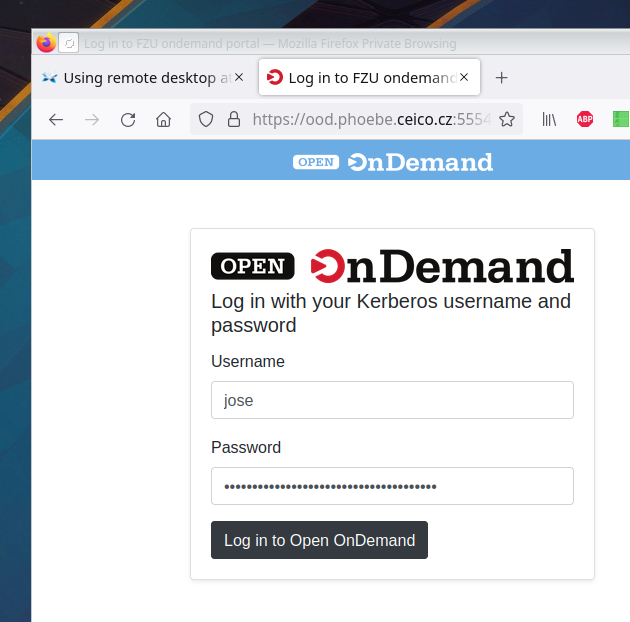
On the internal portal, go to https://ood.phoebe.ceico.cz and
log in with your FZU "Kerberos" username (typically the part of your e-mail address before @)
and the same password you use for web mail.
On the external portal, go to https://ext.phoebe.fzu.cz. It sends
you to the sign-in page at id.phoebe.fzu.cz, where you sign in with your passkey.
Reconnect to a running session
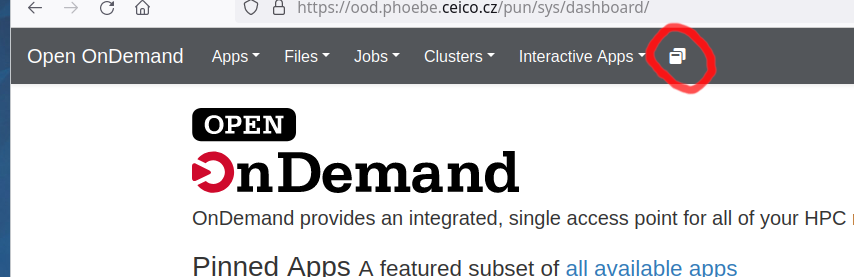
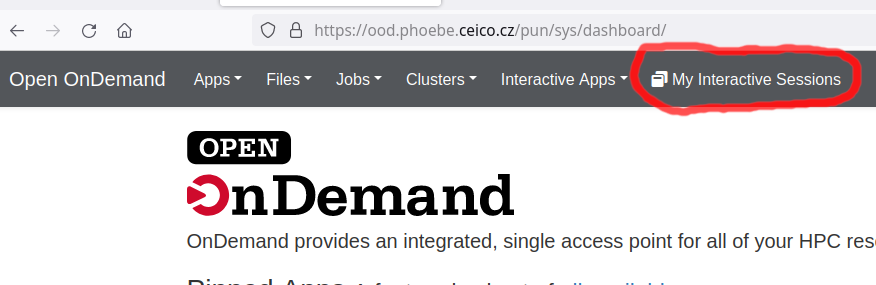
Log in to the portal. In the top menu, click My Interactive Sessions. On a narrow screen it is shown only as an icon:
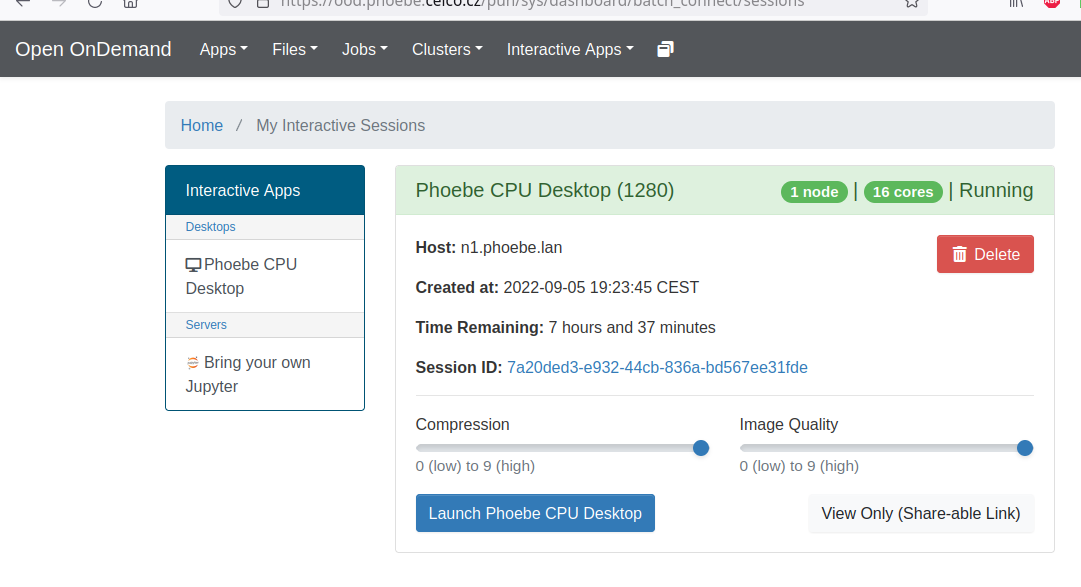
Each running session has a card with a button to open it again, for example Launch Phoebe CPU Desktop or Connect to Jupyter. The session opens in a new browser tab.
End a session
Every running session holds cluster resources that others could use. When you are done, go to My Interactive Sessions and click the red Delete button on the session's card.